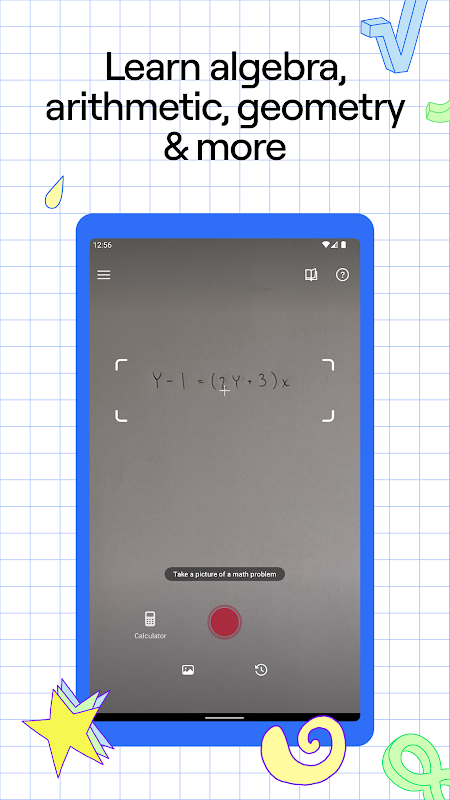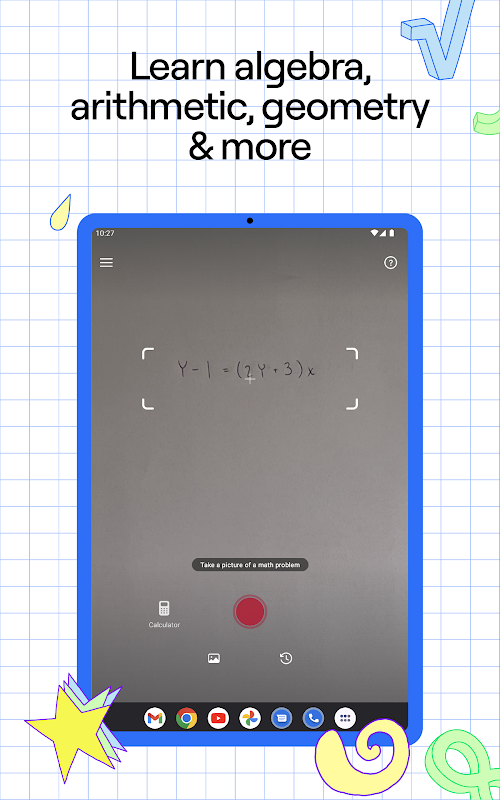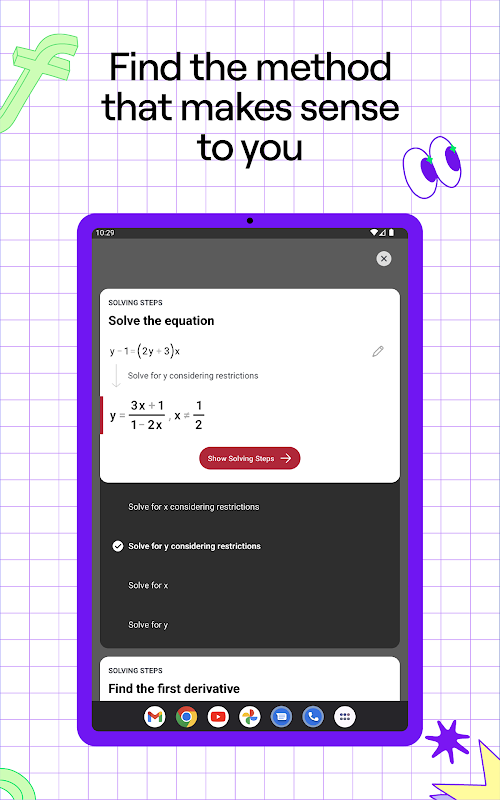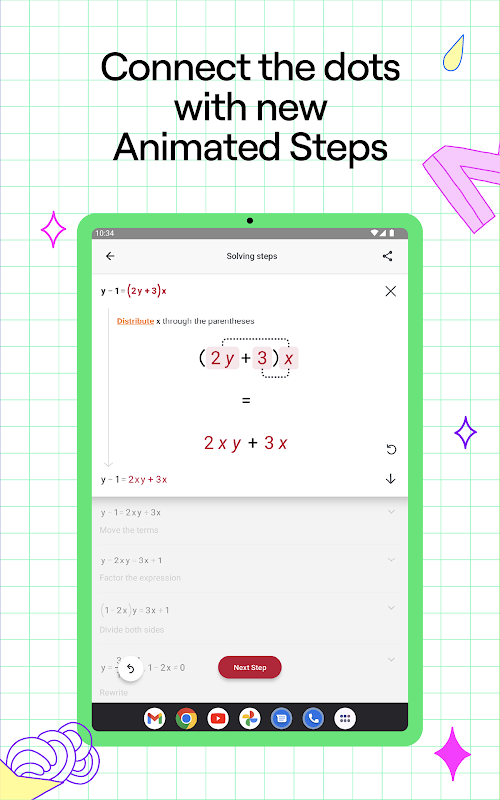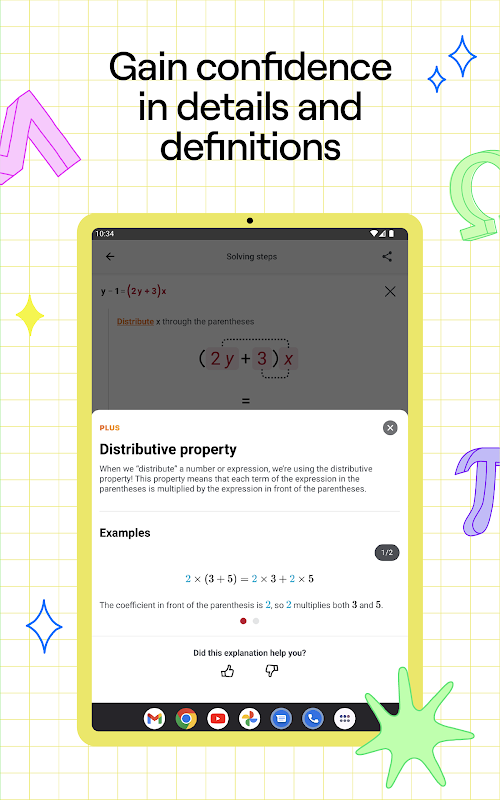
Photomath APK by Google LLC is an educational tool that helps students solve math problems by scanning handwritten and printed equations. It provides instant step-by-step explanations and visual aids, making math more accessible. The app uses advanced image recognition to break down complex calculations and supports algebra, geometry, and calculus. It offers real-time feedback and interactive learning functions. If you're looking to download Photomath, here's what to expect:
- Instant scan and recognition of handwritten math problems
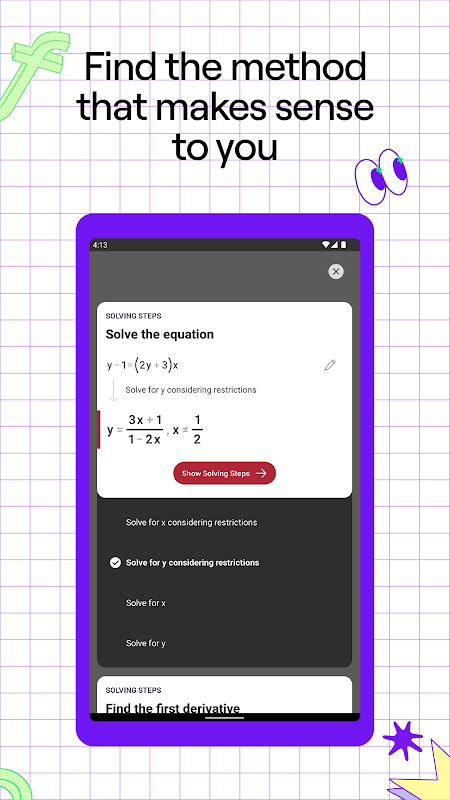
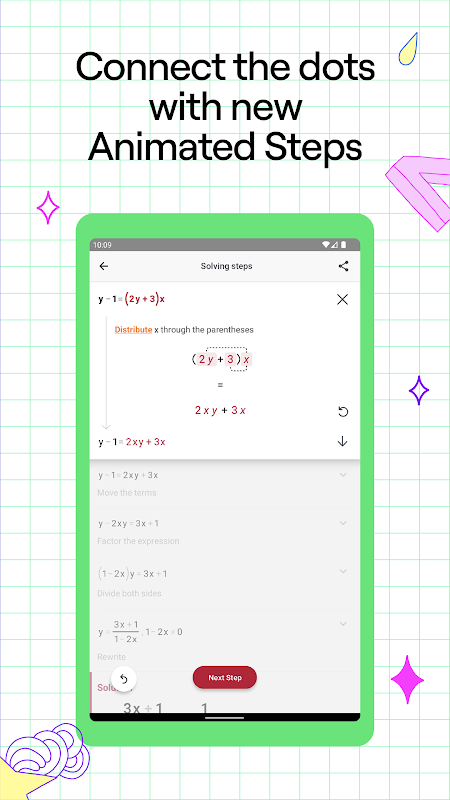
- Step-by-step explanations for solving equations
- Support for various math topics from basic arithmetic to calculus
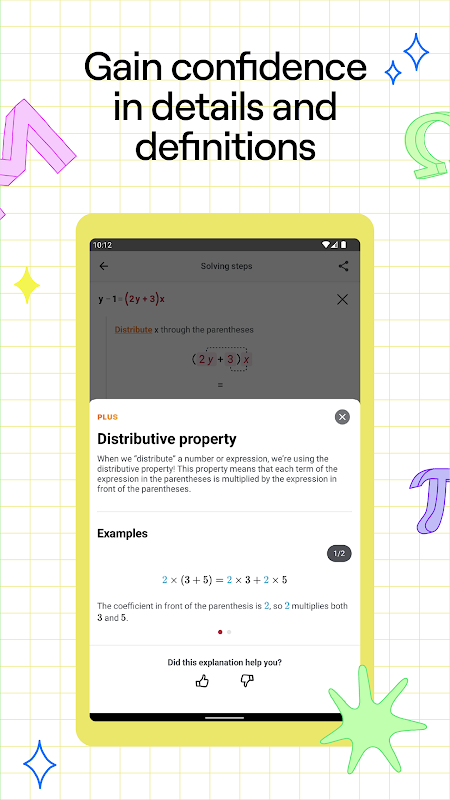
- Clear visual representations of problem-solving steps
- Integration with additional learning resources
Core Features
The Photomath app presents a unique scanning feature that turns your smartphone camera into a portable math solver. It recognizes various mathematical symbols and handwritten digits with impressive accuracy. The tool offers detailed step-by-step solutions for problems, ensuring that every explanation reflects the underlying methodology. It supports numerous topics, ranging from arithmetic calculations to algebraic expressions, thereby offering a valuable learning resource. The integrated calculator aids in verifying the solution after scanning. Using the Photomath apk, students and teachers can quickly review problem-solving methods after a classroom lesson. Tip: Use the app’s camera scanning function under good lighting for the best results.
Performance and Compatibility
The Photomath app runs smoothly on a wide range of Android devices. Its performance is optimized to deliver quick scan-to-solution transitions. The application processes images rapidly while maintaining high accuracy in detection of math problems. The design ensures that even older devices manage the computational tasks effectively without lag. Regular updates improve compatibility with new Android versions while ensuring that the Photomath apk remains efficient. The lightweight architecture makes it easy to use during classes or at home. The app supports both portrait and landscape orientations, adapting to your device's settings. Tip: Before starting a study session, ensure your device is updated to maximize performance.
Settings and Customization
The Photomath app allows users to tweak settings to suit their learning preferences. Options include adjusting language settings, screen brightness, and notifications. Users can customize the step-by-step explanation detail, set a timer for practice sessions, and enable visual aids to better understand each calculation. The interface offers clear options for feedback and error reporting, ensuring that the app continually adapts to user needs. The Photomath apk gives you the flexibility to toggle between different modes based on your learning style. Although basic in its design, each option is useful for tailoring the study experience. Tip: Explore the settings menu immediately after installation to optimize your personalized study environment.
Download Photomath APK
The Photomath APK is available on gentlementech.net for users seeking a reliable, educational utility. Download Photomath easily as the file is served promptly based on your network speed. The download Photomath process is straightforward with clear instructions provided on the website. Ensure you have enough storage available before initiating the download. The Photomath latest version combines robust image processing with detailed math explanations, making it ideal for students and educators alike. Tip: Verify your device’s free storage and close other apps to speed up the download.
After downloading Photomath APK from gentlementech.net, install the file by following the on-screen prompts. Allow installation from unknown sources when prompted by your device, and be patient while the Photomath app configures for the first time. The process is designed to be user-friendly and straightforward, reflecting Google LLC’s quality standards. Once installed, launch the app to start scanning math problems immediately. Tip: Familiarize yourself with the initial setup screen to quickly access key functionalities available within the Photomath latest version.