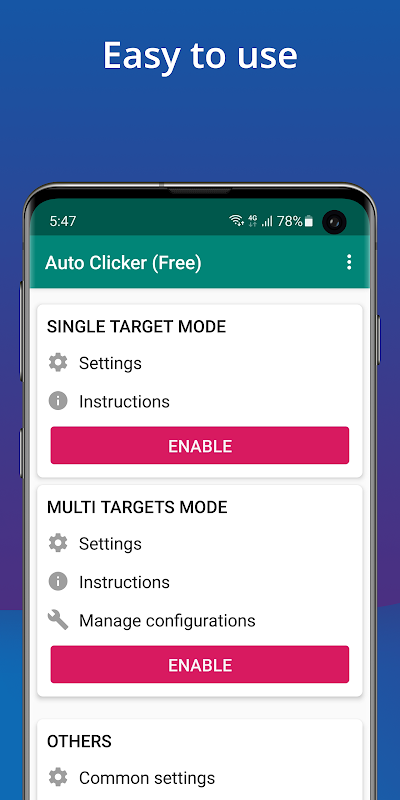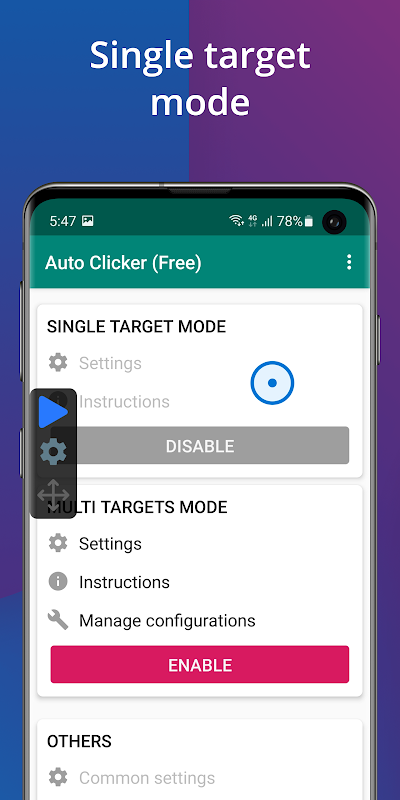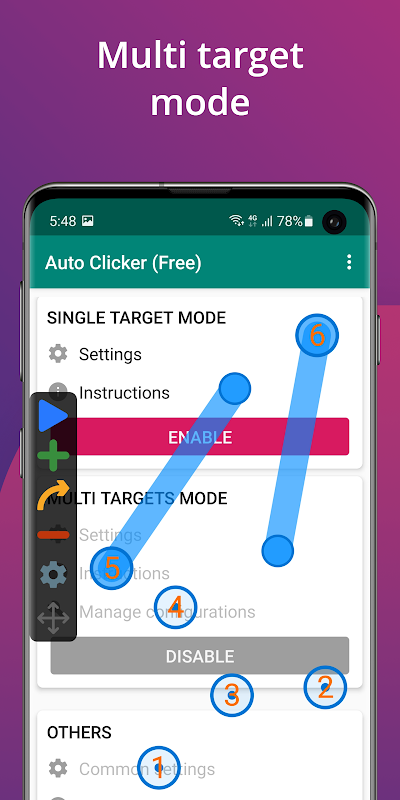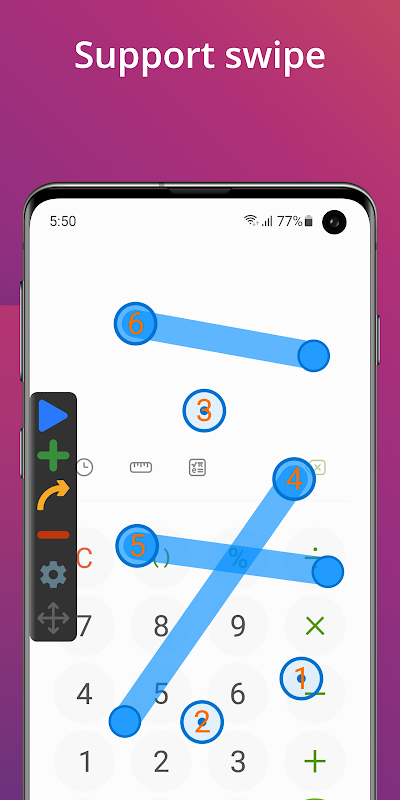
Auto Clicker - Automatic tap is a specialized tool developed by True Developers Studio that automates tap actions on Android devices. It uses adjustable intervals, dynamic scheduling, and customizable tap patterns to perform repetitive tasks with precision. The application supports both gaming and productivity environments by reducing manual input and streamlining operations. Users can set specific timing rules for different tasks and enjoy a responsive interface designed for swift configuration. If you're looking to download Auto Clicker - Automatic tap, here's what to expect:
- Offers precise tap control with adjustable intervals and dynamic scheduling.
- Features a simple and intuitive interface for effortless tap automation.
- Ensures compatibility with a wide range of Android devices reliably.
- Provides multiple customizable click patterns along with detailed timing options.
- Delivers advanced scheduling and event simulation for seamless automation workflows.
Core Features
The Auto Clicker - Automatic tap app integrates robust capabilities that simplify repetitive touch actions. It lets users set custom intervals ranging from a few milliseconds to several seconds. The application supports variable click counts and the option to adjust delays between automated taps. It monitors real-time execution, ensuring each tap cycle meets predetermined ratios. Users can implement single-click or continuous mode, making it suitable for gaming routines and automation tasks. The app also records activity logs for debugging. For practical use, consider configuring the app to automate tasks during idle periods on your device.
Performance and Compatibility
Auto Clicker - Automatic tap app maintains excellent performance even during prolonged operation. It supports a wide spectrum of Android versions and works effectively across various hardware configurations. The app manages system resources efficiently and reduces lag by optimizing task scheduling and interval timing. Its robust framework seamlessly integrates with both legacy and current device architectures. Users benefit from its low memory consumption and immediate response when activating automated sequences. The Auto Clicker - Automatic tap apk undergoes regular updates to enhance compatibility with evolving Android environments. As a practical tip, test the automation on a single task before applying it to more complex workflows.
Settings and Customization
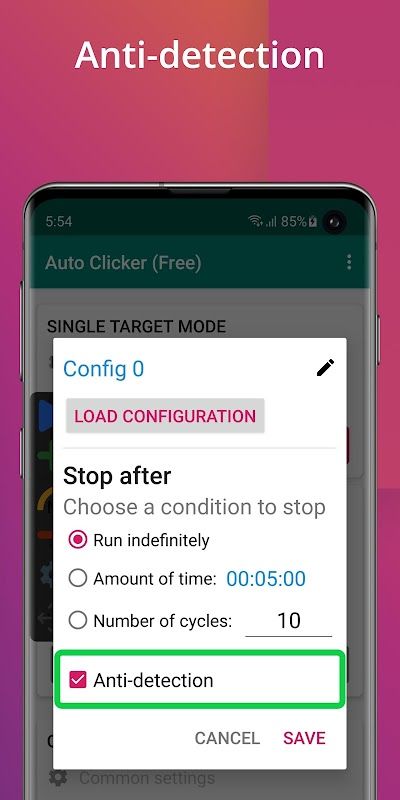
Auto Clicker - Automatic tap app offers extensive settings and customization options designed for precise control. The configuration panel allows users to tailor tap frequency, adjust click patterns, and set start/stop intervals based on specific needs. Detailed configuration options support both light and advanced use cases. The clear user interface guides you through setting personalized routines and scheduling automated tasks with precision. With helpful tooltips and direct access to settings, users can modify run-time options to suit different applications. The Auto Clicker - Automatic tap latest version makes it easy to experiment with variations. A practical tip is to experiment with varying tap intervals for improved overall efficiency in repetitive tasks.
Download Auto Clicker - Automatic tap APK
The Auto Clicker - Automatic tap APK is available for download on gentlementech.net. Download Auto Clicker - Automatic tap apk from a reliable source while noting that download time depends on your network speed. The file size and compatibility details may vary between different releases, so ensure you have sufficient storage before proceeding. The current offering of Auto Clicker - Automatic tap latest version delivers a consistent performance update every cycle.
To install the Auto Clicker - Automatic tap APK, follow the on-screen prompts during installation. Allow installation from unknown sources when prompted and wait as the setup finalizes during the first launch. The process is straightforward and user-friendly, ensuring that you can begin using the app quickly. A practical tip for first-time users is to immediately configure your custom tap settings to align with your specific usage needs after installation.